Ultra JSON Pro Max
Parse, Validate, Minify & Visualize JSON Data Securely on Trusted Tools Web.
Serverless Architecture & Privacy First
When dealing with sensitive API keys or customer data, security is the top priority. Unlike many other online formatters that process your data on a remote server, Ultra JSON Pro Max runs entirely in your browser.
Why does "Client-Side" matter?
We utilize the V8 JavaScript Engine built into your browser. This means:
- Zero Data Leakage: Your JSON code never leaves your device. Not a single byte is uploaded to our cloud.
- Instant Processing: Since there is no network latency, even large files (10MB+) are parsed instantly.
- Offline Accessibility: Once the page loads, you can disconnect your internet and the tool will still function 100%.
Beyond Simple Formatting: A Power User's Guide
Most developers waste hours strictly looking for syntax errors. We built features to automate that workflow.
1. The "Tree View" Advantage
Reading a flat 5,000-line JSON file is painful. Switch to the Tree Tab to collapse/expand nodes. This is particularly useful when you need to understand the schema of a complex API response without scrolling endlessly.
2. Auto-Fix Capability
A common headache is copying JS Objects instead of JSON (e.g., missing quotes on keys or trailing commas). Our Auto Fix algorithm uses Regex heuristics to detect these patterns and sanitizes the code into valid JSON automatically.
3. Data Transformation (CSV/XML)
Need to share data with non-technical team members? Use the "to CSV" converter. It flattens nested arrays into a spreadsheet-friendly format that works directly with Excel or Google Sheets.
Common JSON Syntax Errors & Fixes
If your JSON isn't validating, check for these frequent mistakes that our validator catches:
- Trailing Commas: The last item in an array or object must not have a comma.
Wrong:{"id": 1,}→ Right:{"id": 1} - Single Quotes: JSON standard strictly requires double quotes.
Wrong:{'key': 'value'}→ Right:{"key": "value"} - Unescaped Characters: Special characters inside strings (like backslashes or newlines) must be escaped properly.
Live API Debugging Workflow
Developers often switch back and forth between Postman and a browser to check API responses. We simplified this cycle.
With our "Fetch from URL" feature, you can directly paste an endpoint (e.g., a REST API URL) to pull live data. The tool handles the asynchronous request, bypasses standard caching, and renders the response immediately. This is perfect for quick "sanity checks" on production endpoints without setting up a full testing environment.
Bridging the Gap: From JSON to Excel
Data analysts often struggle with JSON because it's not "spreadsheet-ready." JSON is hierarchical, while Excel is flat.
Our JSON to CSV engine intelligent flattens nested arrays. If you have a list of user objects, hitting the "to CSV" button instantly generates a comma-separated format that headers automatically mapped. This feature is a lifesaver when you need to hand over technical data to marketing teams or stakeholders who prefer reading reports in Excel or Google Sheets.
Payload Optimization for Production
In modern web development, every kilobyte counts. Sending formatted (pretty) JSON over a network wastes bandwidth due to unnecessary whitespace and newlines.
The "Minify" (0 indent) function strips all formatting characters, often reducing the payload size by 30-40%. Before deploying your configuration files or static data to a production server, run them through our minifier to ensure your application loads faster and consumes less data.
Visualizing Deeply Nested Logic
When working with complex configurations (like `package.json` with thousands of dependencies or Kubernetes manifests), syntax highlighting isn't enough.
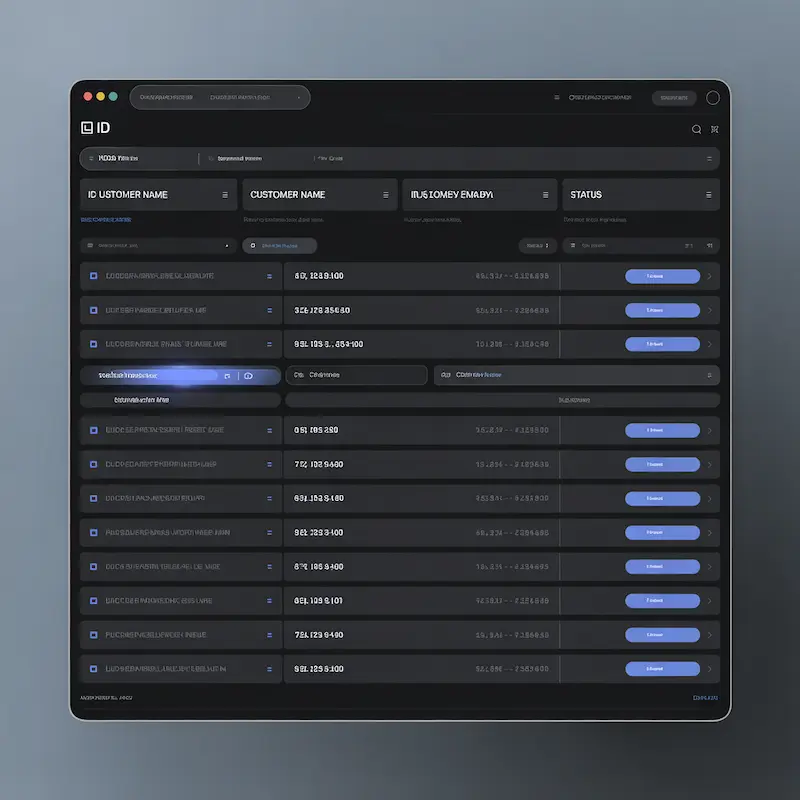
The Interactive Grid View transforms your data into a structured table. This is crucial when you need to spot inconsistencies across an array of objects—for example, finding which user object is missing an "email" field. Instead of scrolling through thousands of lines of code, you can visually scan the columns in seconds.
Heuristic Error Correction
Not all JSON errors are fatal. Sometimes, it's just a copied JavaScript object with unquoted keys or a stray trailing comma that breaks the parser.
Our Auto-Fix algorithm doesn't just validate; it attempts to repair. It uses regular expressions to identify common "sloppy JSON" patterns and standardizes them into valid RFC 8259 format. This saves developers from manually hunting down every single missing quote mark in a large dataset.
Smart CSV Export: No More Broken Columns
Converting JSON to CSV usually results in a mess if your data contains commas (e.g., "New York, USA"). Standard converters split this into two columns, breaking your spreadsheet structure.
Ultra JSON Pro Max solves this with a context-aware parsing engine. It automatically detects special characters within your strings and wraps them in double quotes during the conversion process. You can open the generated file in Excel or Google Sheets immediately, with zero manual cleanup required.
XSS Protection & Secure Rendering
One of the biggest risks of using online developer tools is Cross-Site Scripting (XSS). Malicious JSON files can sometimes trick a browser into executing harmful code.
We take security seriously. Our Grid and Code views utilize DOM Sanitization techniques (using textContent instead of innerHTML). This means even if you paste a JSON payload containing malicious JavaScript tags, our tool renders it strictly as text. Your browser session remains 100% secure.
Processing 10MB+ Files Without Lag
Most web-based editors freeze when you paste a massive JSON file (10MB+). This happens because they try to render every single line at once.
We optimized this tool using the browser's native V8 Engine capabilities. For features like the 'Table View', we implement intelligent rendering limits (displaying the first 500 rows for preview) to ensure your browser memory isn't overloaded. This allows you to validate and minify huge datasets smoothly without crashing your tab.
Missing Quotes? Let Auto-Fix Handle It
Developers often paste JavaScript Objects instead of valid JSON. Common issues include unquoted keys (e.g., id: 5) or trailing commas at the end of lists, which causes standard parsers to fail.
Our Heuristic Auto-Fix Engine uses advanced Regular Expressions to identify these "sloppy JSON" patterns. With one click, it sanitizes the input, adds missing quotes, removes trailing commas, and produces RFC-compliant JSON ready for production use.
Live API Debugging (No Postman Required)
Need to check a public API response quickly? You don't need to open heavy desktop software like Postman.
Use our "Fetch from URL" feature to directly ping an endpoint. The tool handles the asynchronous network request, retrieves the live data, and formats it instantly. It's the fastest way to verify if a remote server is returning the correct structure or data types.
100% Offline & Private
Are you working with sensitive customer data or private API keys? You need to know where that data goes.
This entire application runs Client-Side. Once the page loads, you can physically disconnect your internet, and the tool will still function perfectly. Your code is processed in your browser's RAM and never transmitted to any cloud server or database. It is safe for corporate and confidential environments.
JSON to XML for Legacy Systems
While the modern web runs on JSON, many enterprise systems (like banking or old SOAP services) still require XML.
Manually converting nested JSON objects to XML tags is tedious and error-prone. Our converter automates this by recursively traversing your JSON tree. It generates a valid, hierarchical XML structure with a proper root element, making integration with legacy software seamless.
Payload Optimization
When deploying configuration files or sending data over a network, whitespace is wasted bandwidth. "Pretty" code is for humans; machines prefer it compact.
Our Minify (0 Indent) function strips all unnecessary spaces and newlines while preserving the data integrity. This can reduce file size by up to 40%, resulting in faster API responses and lower data usage for your end-users.
Deep Dive with Tree View
Debugging a 5,000-line configuration file is like finding a needle in a haystack. Standard text editors make it hard to see the hierarchy.
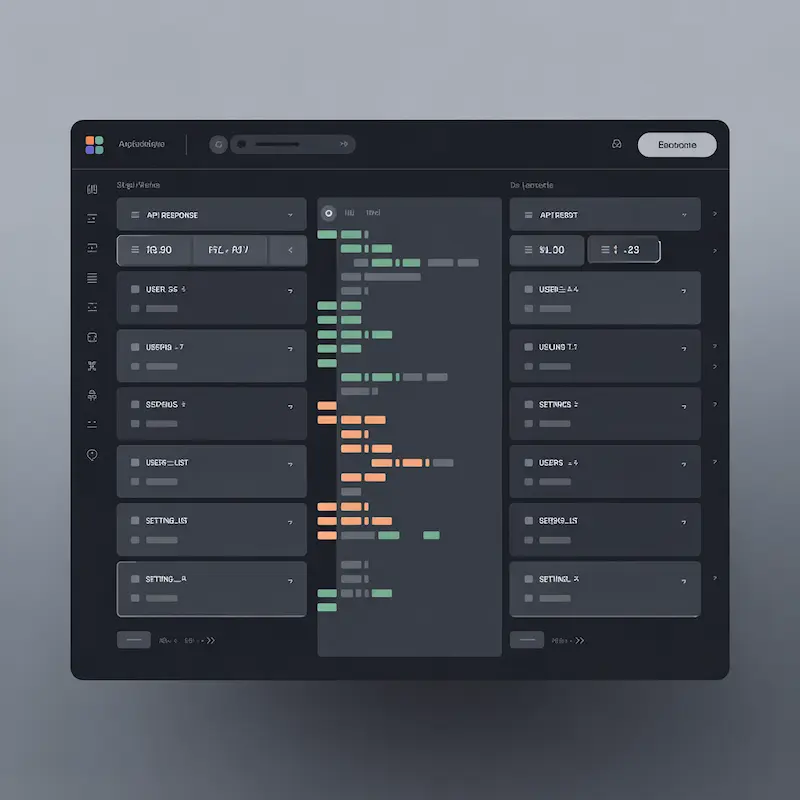
The Interactive Tree View transforms your flat text into a collapsible node structure. You can expand specific branches to inspect deep logic without being overwhelmed by the rest of the code. It is the best way to understand the schema of complex, nested datasets.
Crash Recovery & Local History
Have you ever accidentally closed a tab and lost your work? It's a developer's nightmare.
Ultra JSON Pro Max includes a smart Local History system. Every valid JSON structure you process is automatically saved to your browser's LocalStorage. If your browser crashes or you accidentally close the window, you can restore your previous session with a single click from the history bar.
Frequently Asked Questions
Is there a file size limit for this JSON Formatter?
Technically, there is no hard limit imposed by us. However, since the processing happens in your browser's memory (RAM), we recommend files under 50MB for optimal performance. Extremely large files might slow down older devices.
Can I use this tool for commercial projects?
Yes, Ultra JSON Pro Max is completely free for both personal and commercial use. You can use it to debug, format, and validate data for your professional applications without any cost.
What is the difference between Minify and Beautify?
Beautify adds indentation and newlines to make the code human-readable. Minify removes all unnecessary whitespace to reduce file size, which is essential for production APIs to save bandwidth.